Update the KOOV Core
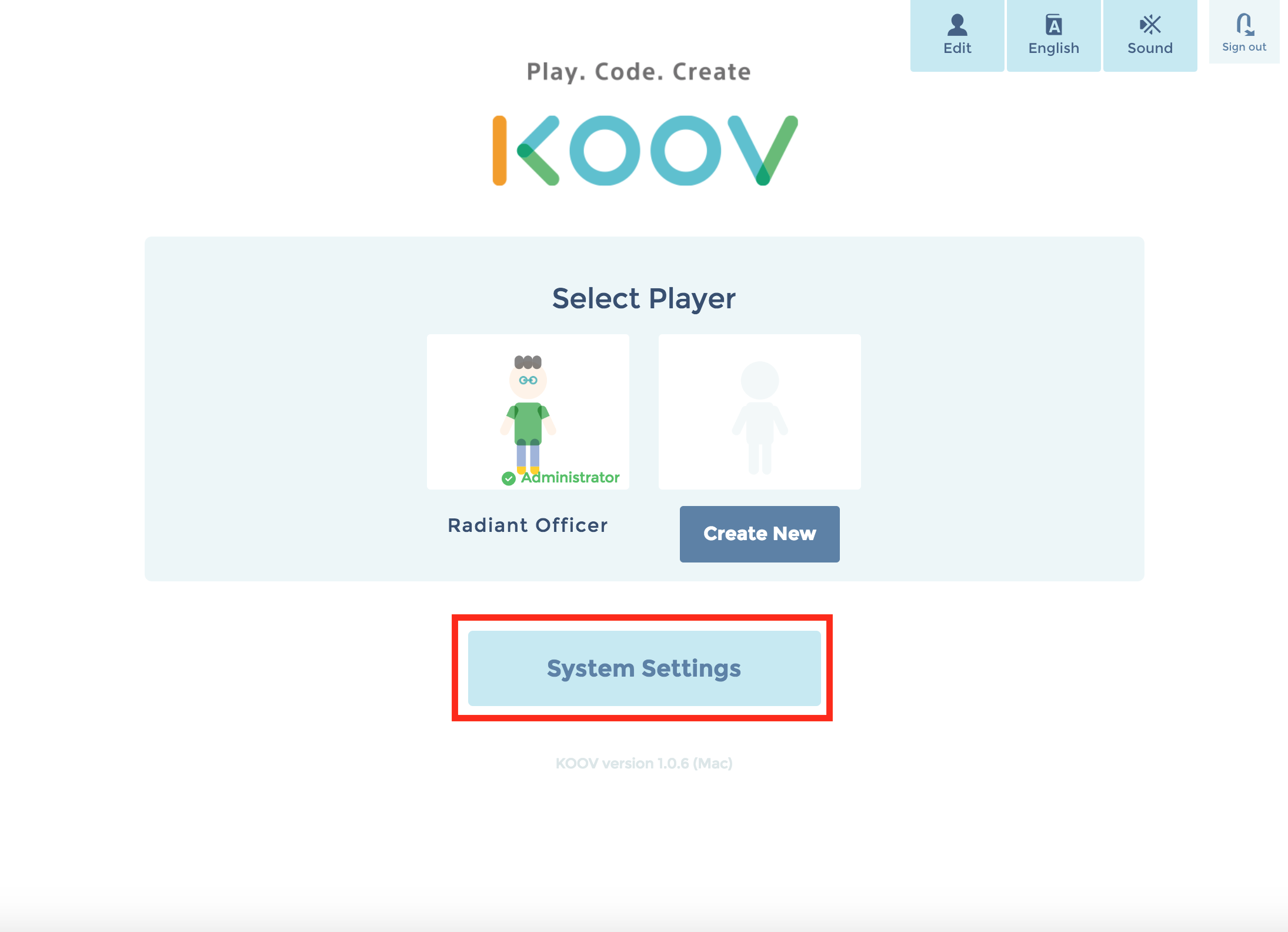
- Select "System Settings" from the top page of the app.
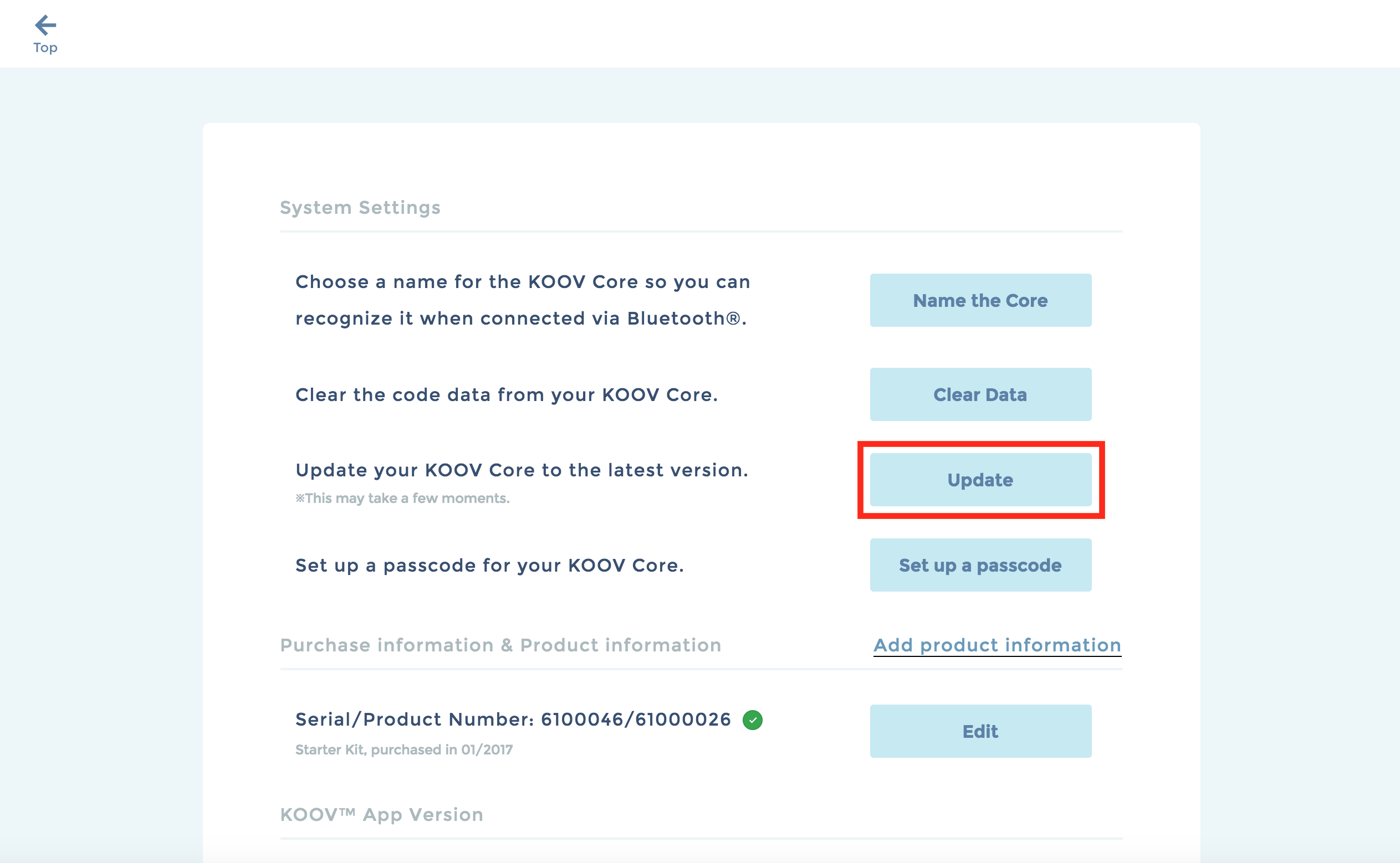
- Press "Update".
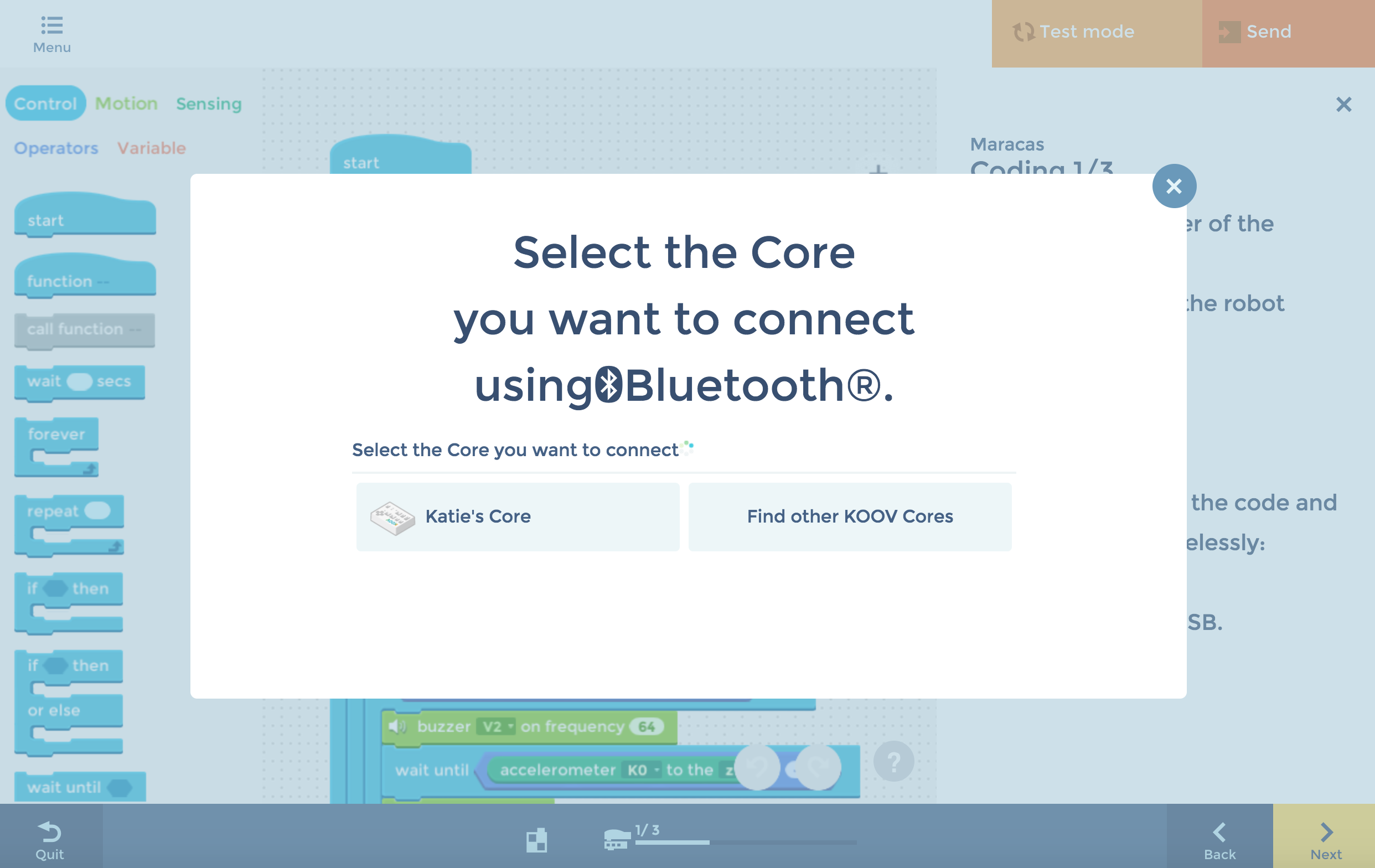
- Connect the Core with your device using a USB cable or Bluetooth® connection.
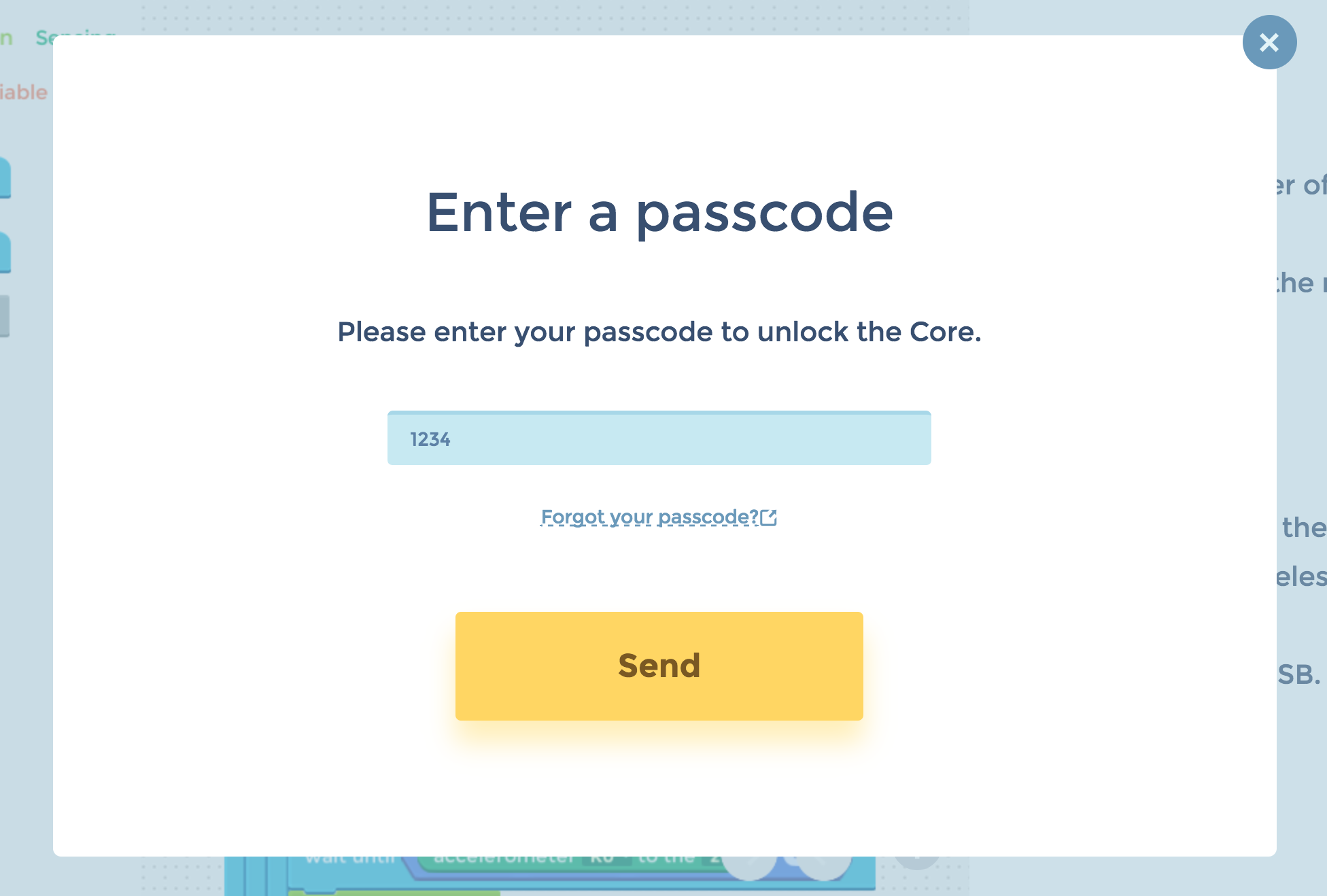
- If you have set up a passcode, enter the passcode and press "Send".
- Your Core will be updated to the latest version.
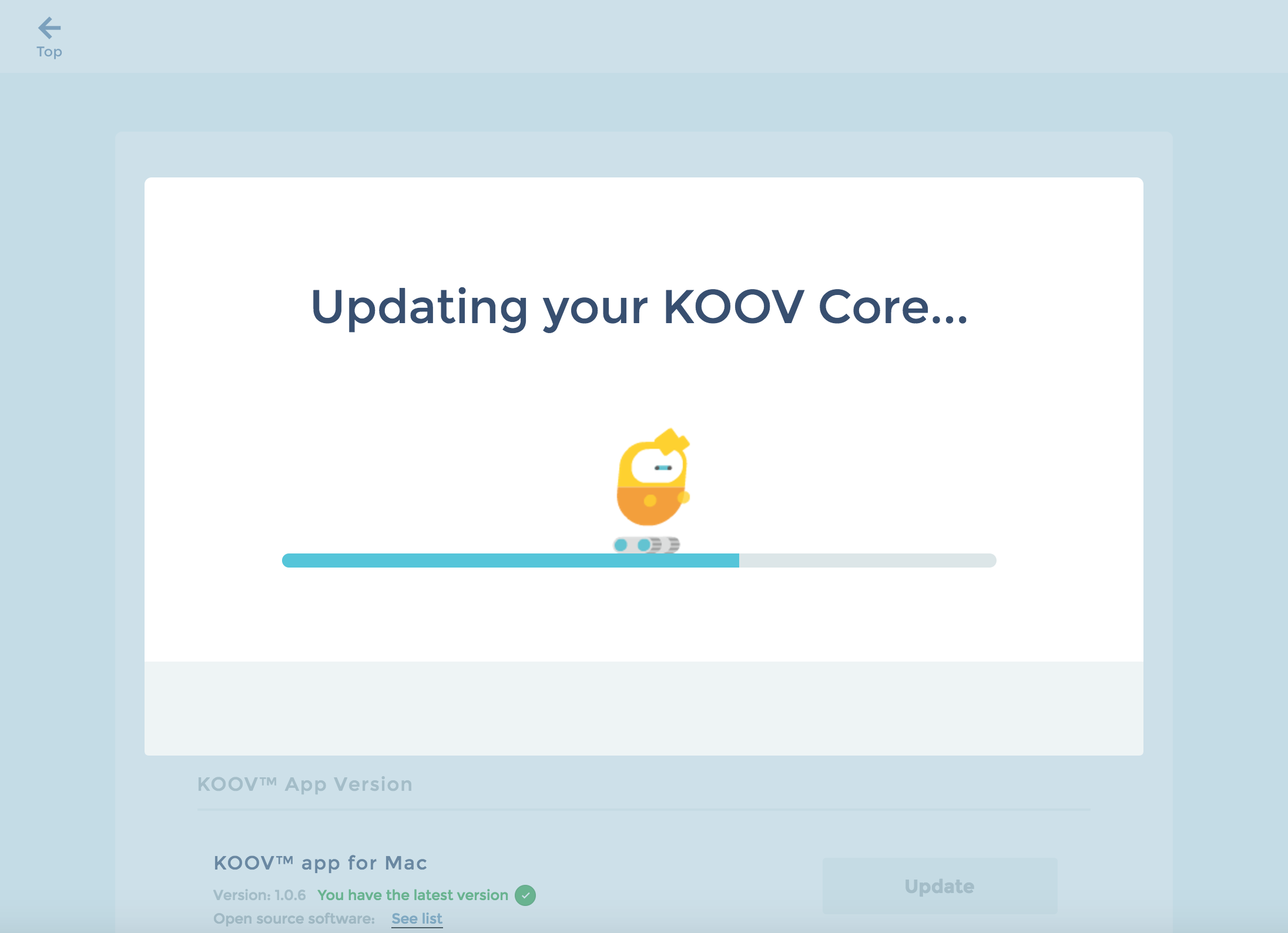
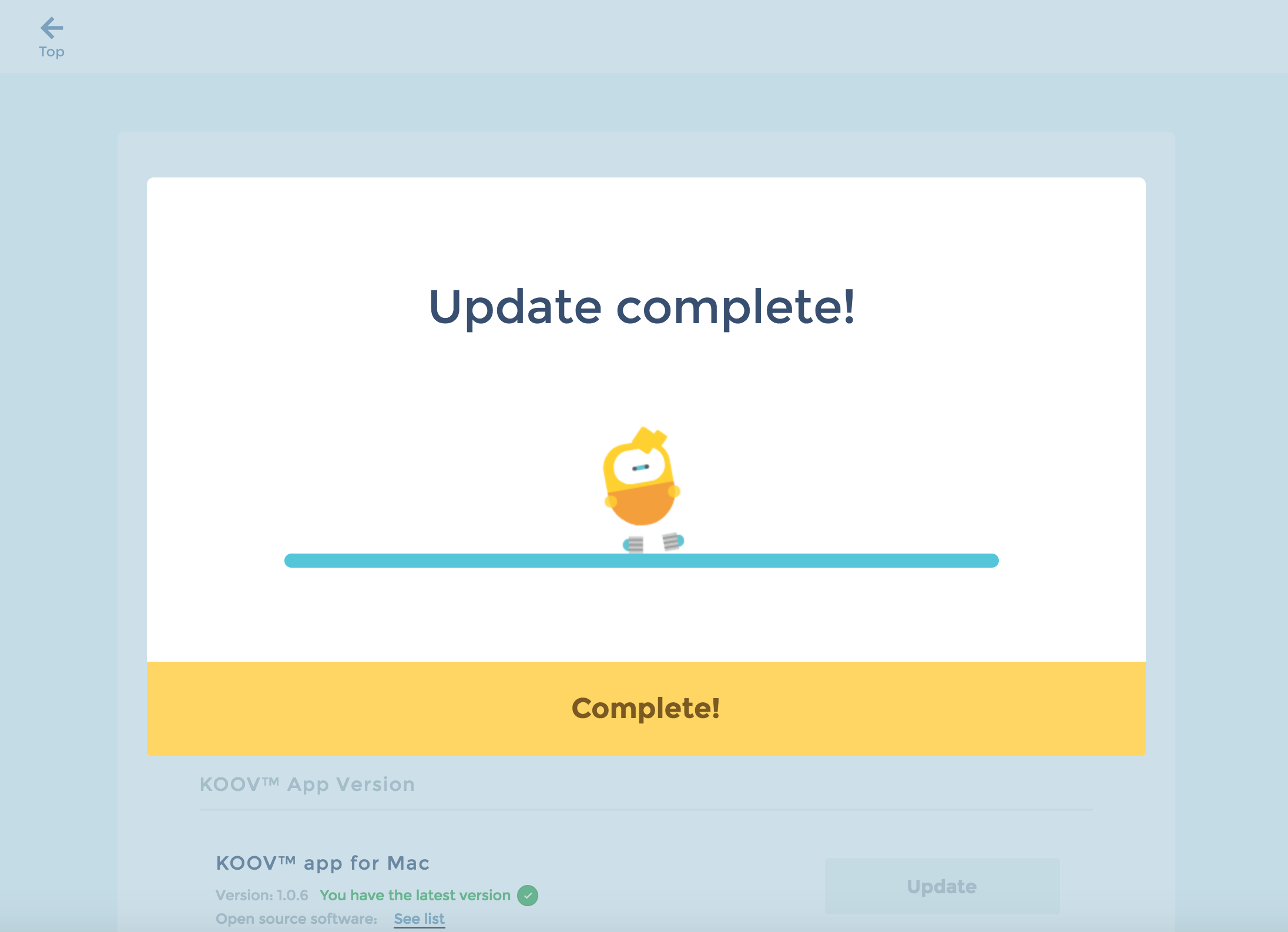
- Press "Complete!" to finish.
-
Coordination between the Core and the KOOV app
- How to recover the Core
- Remove or reconnect Bluetooth devices (Windows 10/Windows 11)
- Update the KOOV Core
- Check if the passcode has been set
- Delete a passcode
- Set up a passcode
- How to set up a passcode
- Clearing code data from the Core
- Choose a Bluetooth® device name for your Core
- Send code/use test mode via USB connection