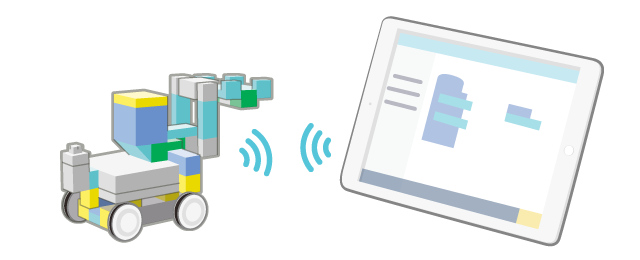
Send code via Bluetooth® connection
- Check your Core's Bluetooth® device name in "System Settings". See here for details on how to check the device name.
- Connect the battery box cable to the power connection port of the Core and switch on the power.
- Press "Send" in the upper right corner of the screen.

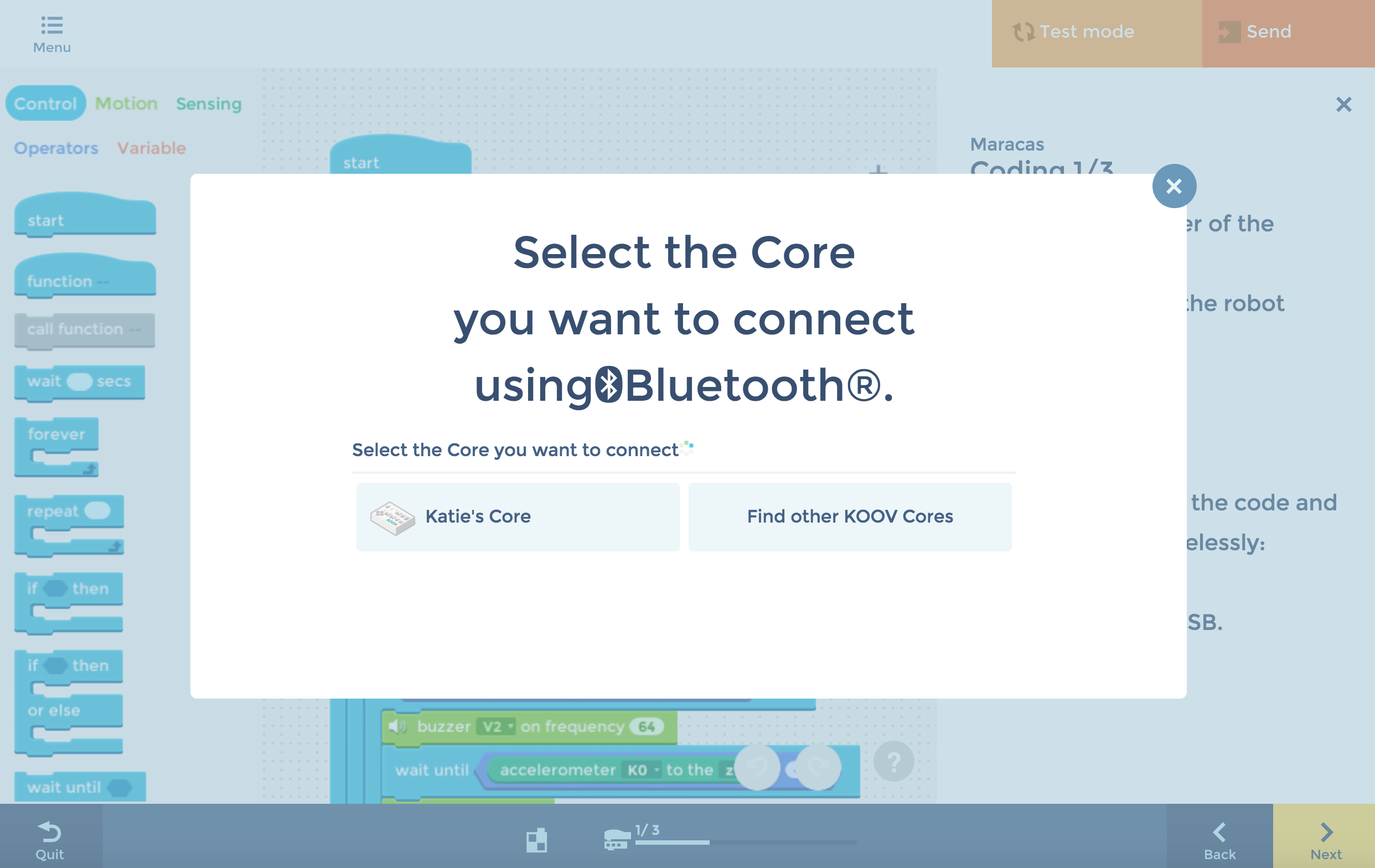
- Select your Core in the connection screen.
- (iPad users only) Select "Pair" for the "Bluetooth Pairing Request" message.
- (Windows 10 users only) You will need to go through the initial settings if you are connecting the Core for the first time. Please see here for instructions.
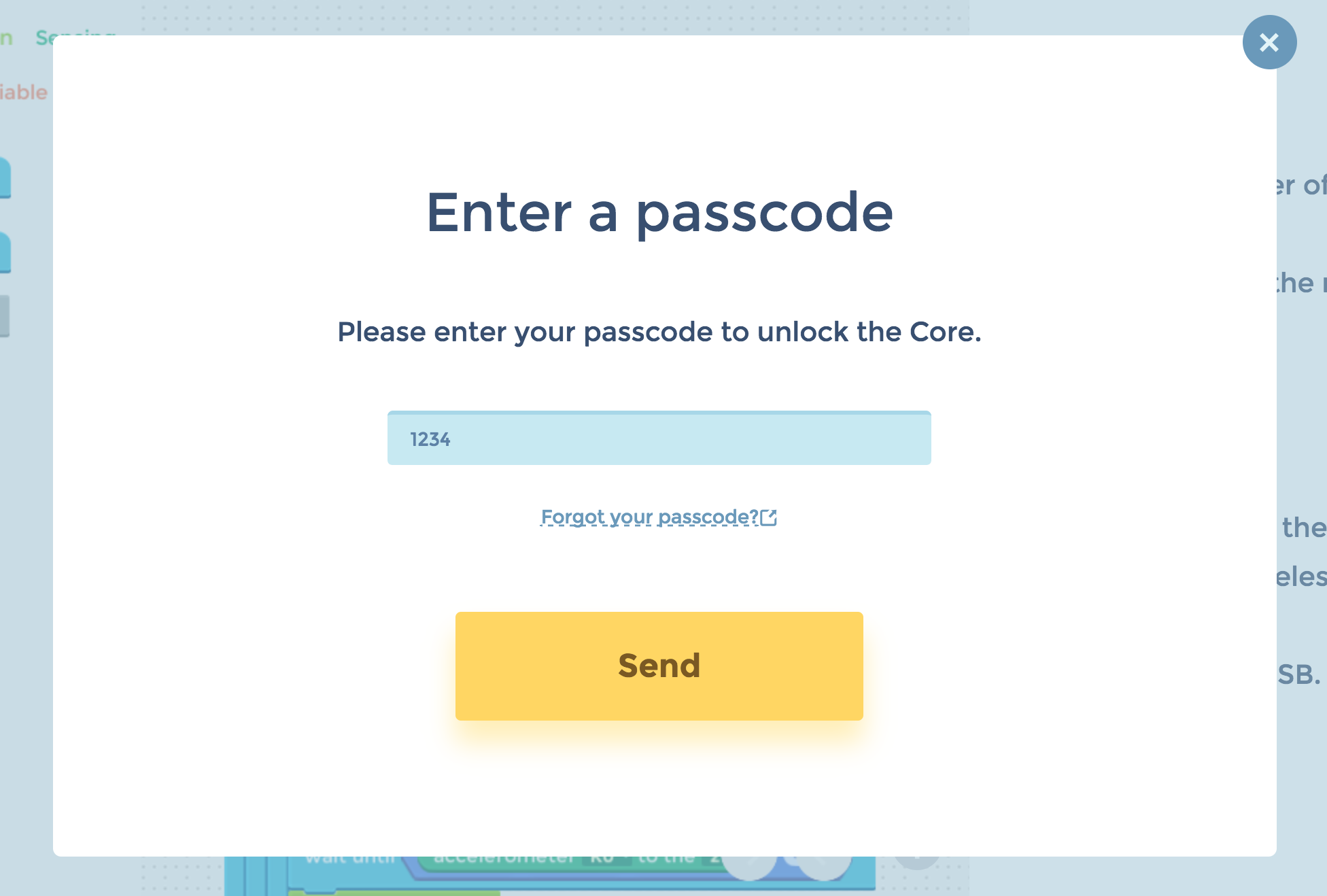
- If you have set up a passcode for your Core, enter on the next screen.
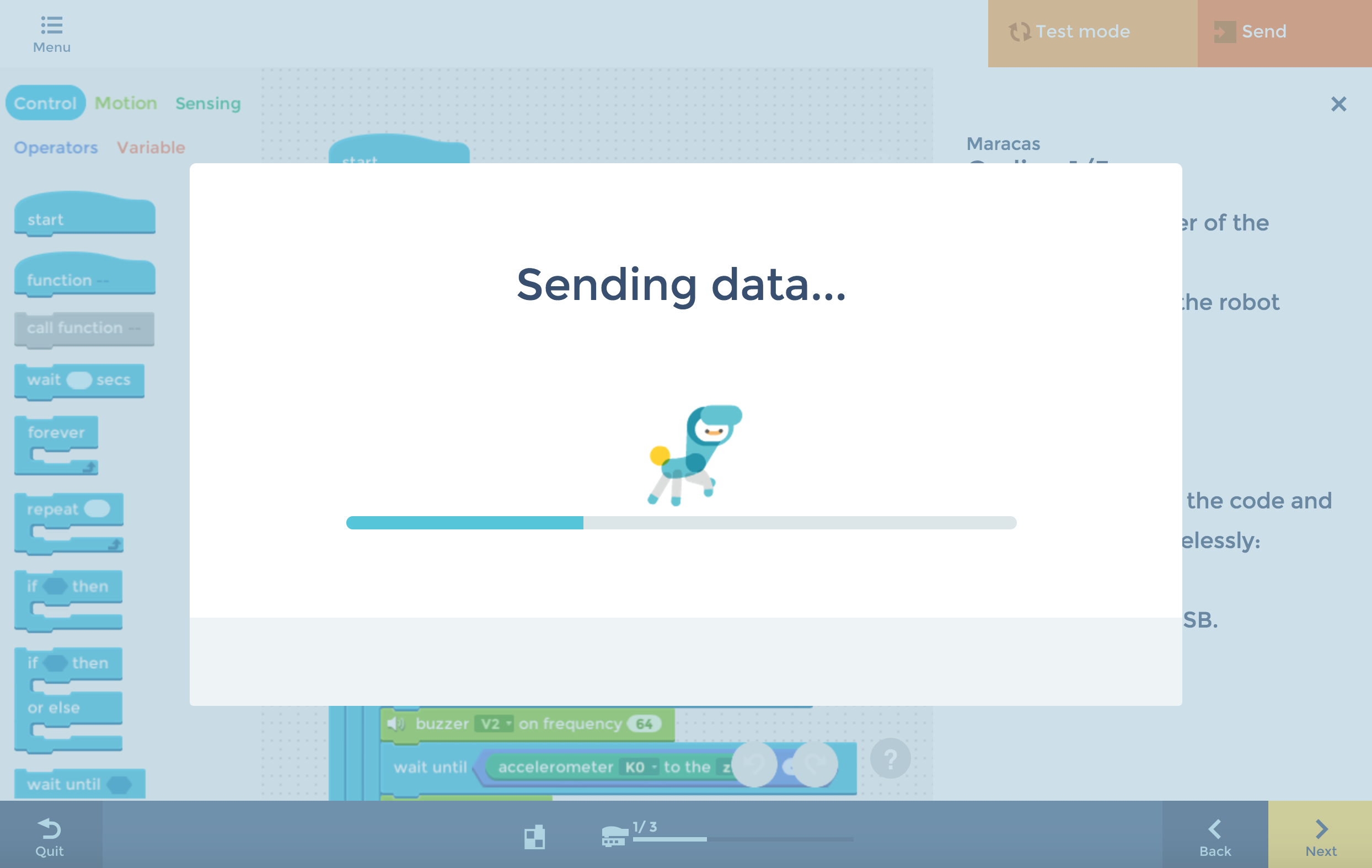
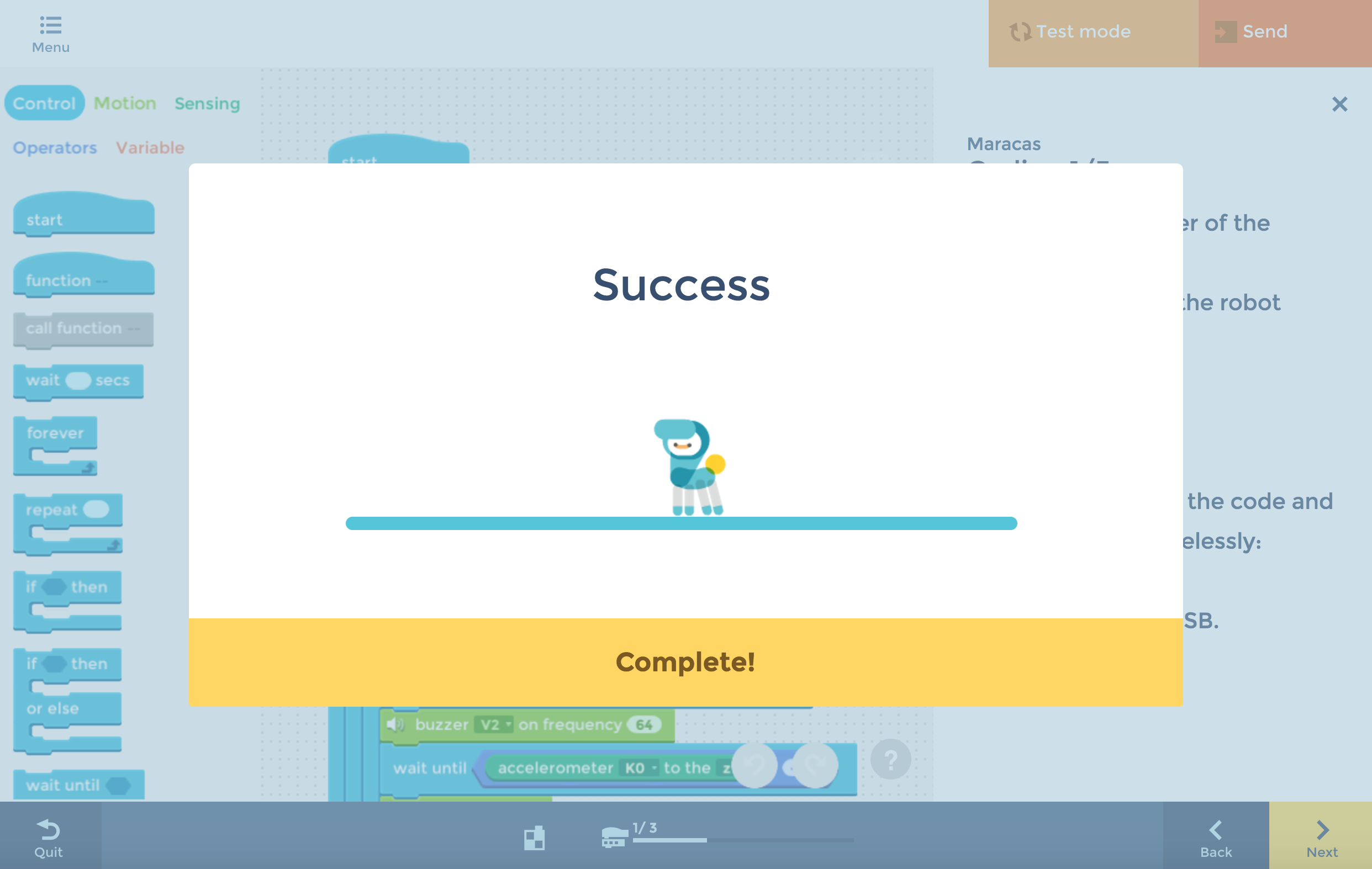
- Your code will be sent to the connected Core.
- Press "Complete!" to finish.
Was this article helpful?