Delete an account (Unsubscribe from the service)
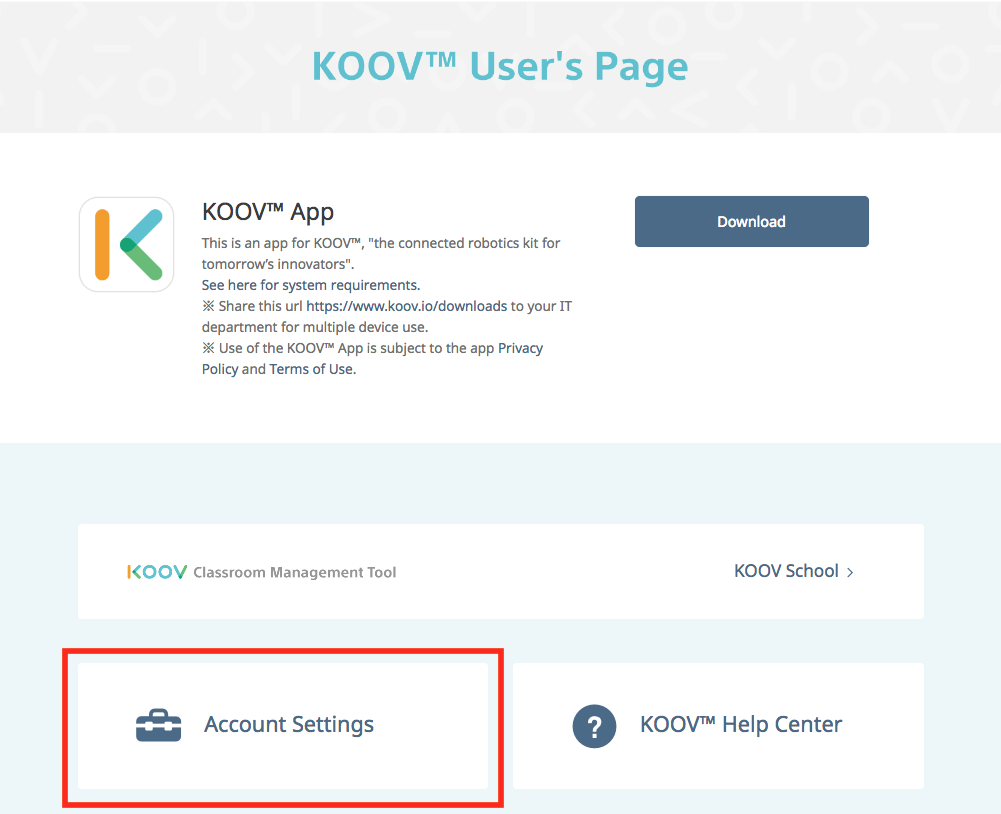
- Sign in to the KOOV User's Page and select "Account Settings".
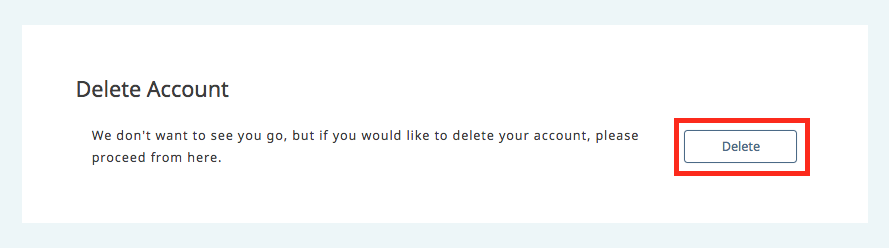
- Press "Delete" under "Delete Account" and go to the settings page.
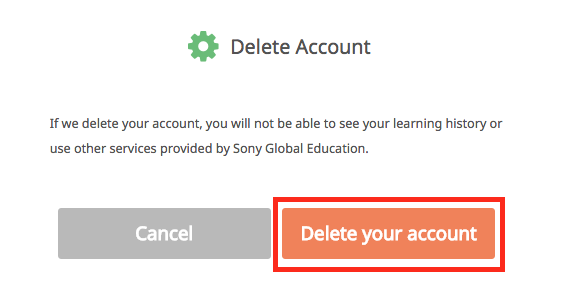
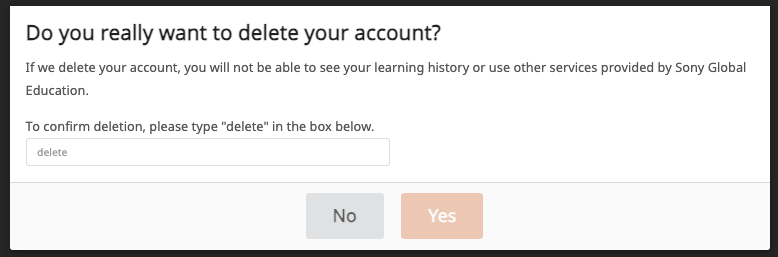
- Press "Delete your account" to open the confirmation modal.
- Enter the password for the account you wish to delete.
Type "delete" in the field below, then click "Yes". Your account will be deleted and you will be unsubscribed from the service.
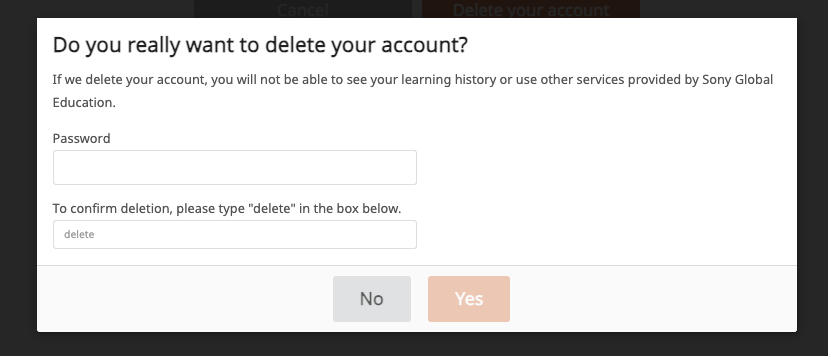
*If you registered using a social account, there will be no password field. Simply type "delete" and click "Yes" to delete your account and unsubscribe from the service.
Was this article helpful?