Help Center
English (United States)
日本語
简体中文
Help Center
English (United States)
日本語
简体中文
KOOV Help Center
User Guides
Manage account
Change account settings
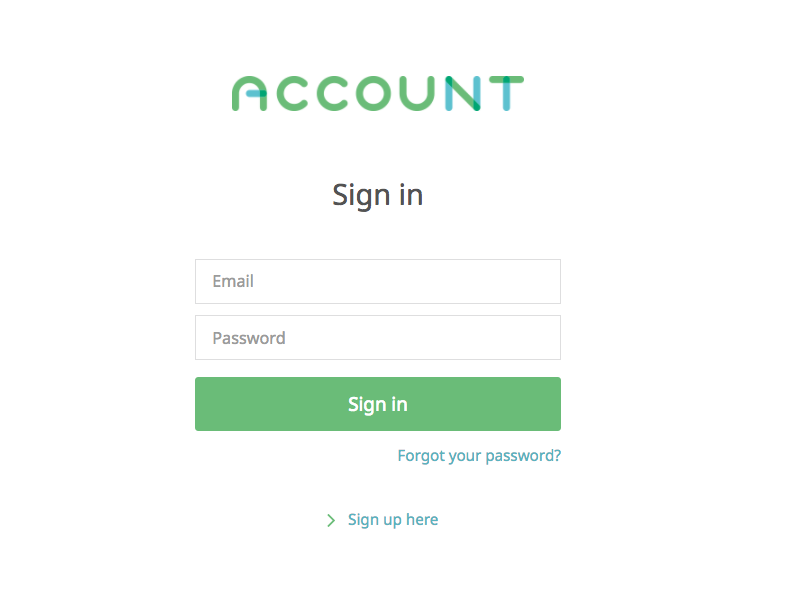
Sign in to the
KOOV User's Page
.
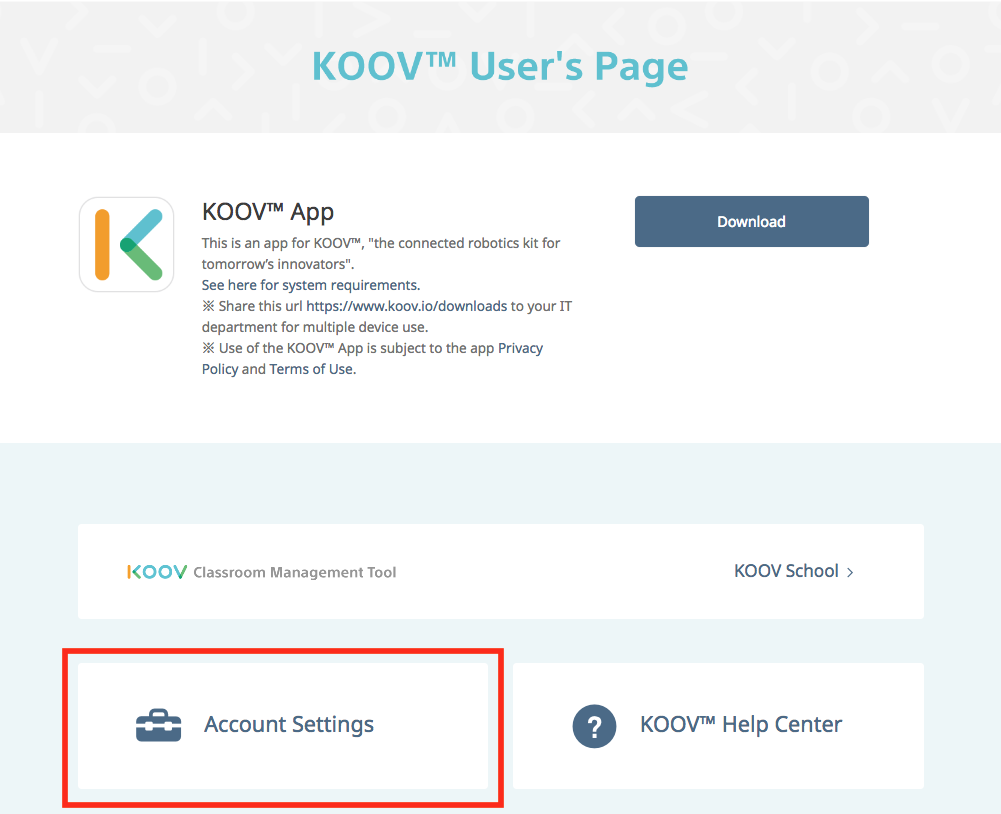
Select "Account Settings".
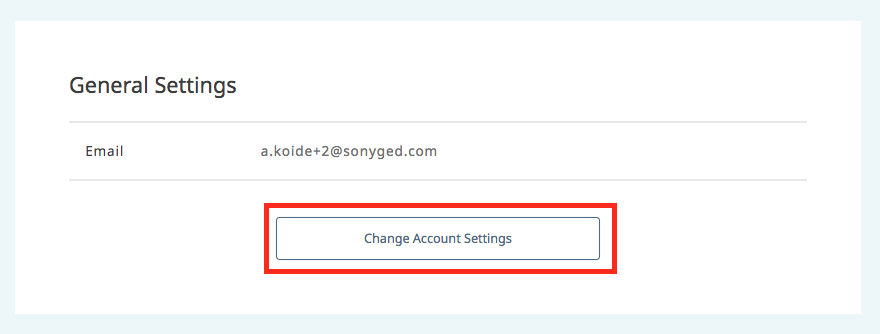
Press "Change Account Settings" under "General Settings" and go to Settings Page.
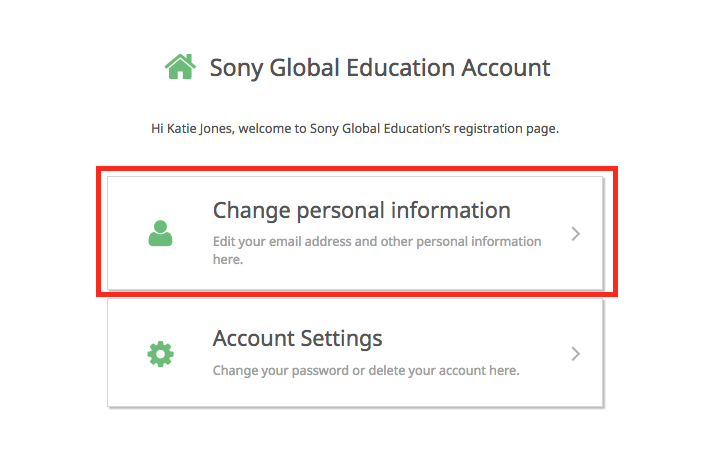
Press "Change personal information".
Update the information then press "Update".
Was this article helpful?
Manage account
Create an account
Change account settings
Delete an account (Unsubscribe from the service)
Change email settings
Reset password
Related articles
I registered for an account, but I have not received the confirmation e-mail
Create an account
What is a Sony Global Education account?
Change email settings
Reset password
Manage account