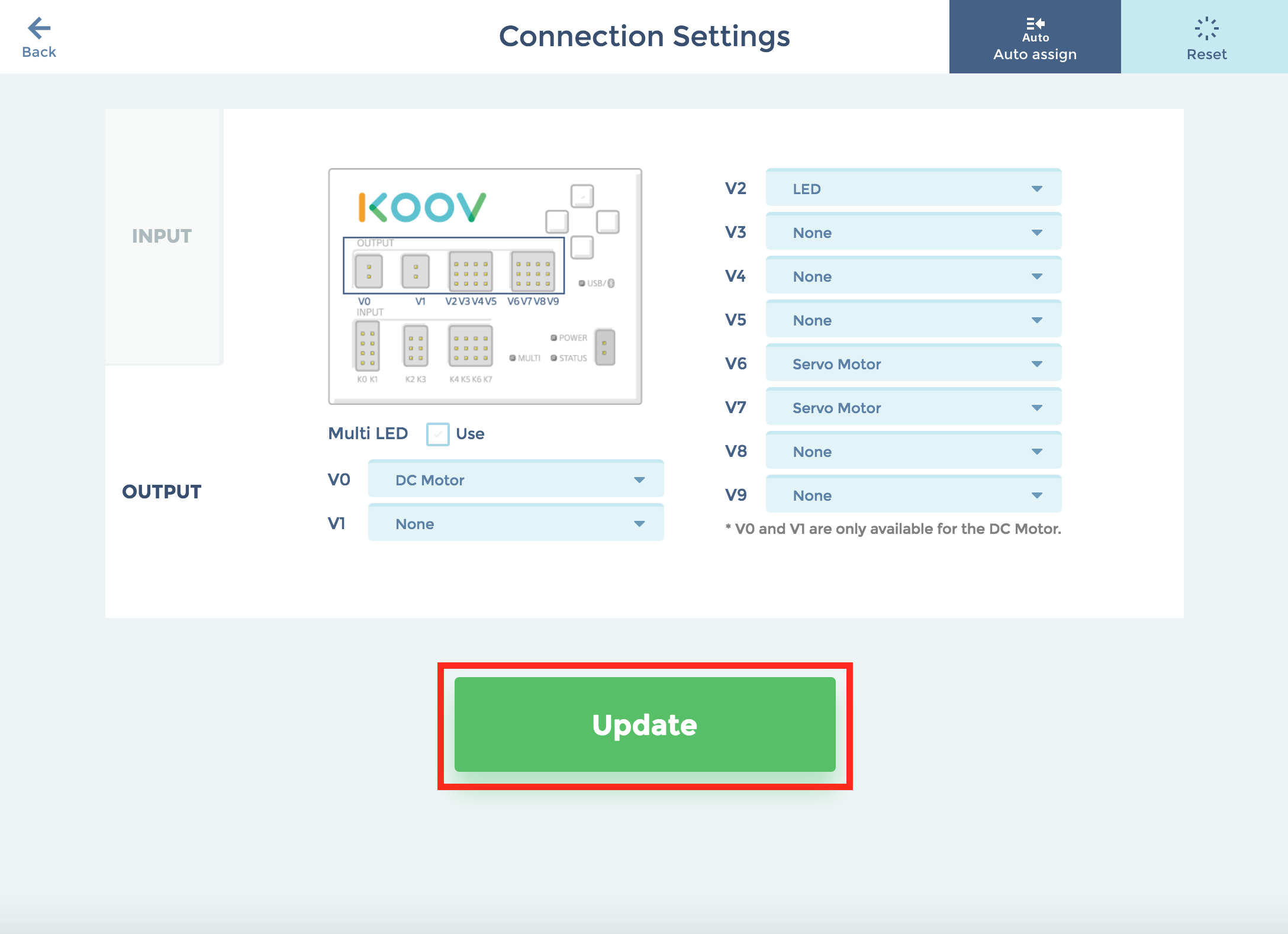
Coding screen: "Auto-assign" function
- The "Auto-assign" function is used to assign the electronic parts automatically to respective input/output ports.
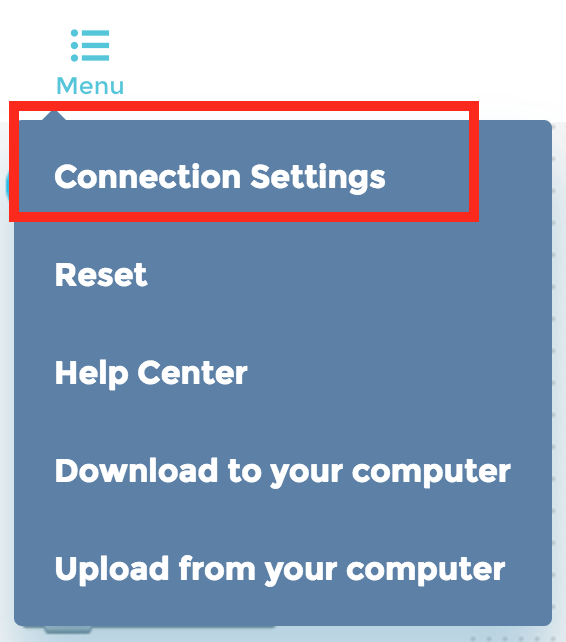
- Press "Menu" in the upper left corner of the coding screen and select "Auto assign."
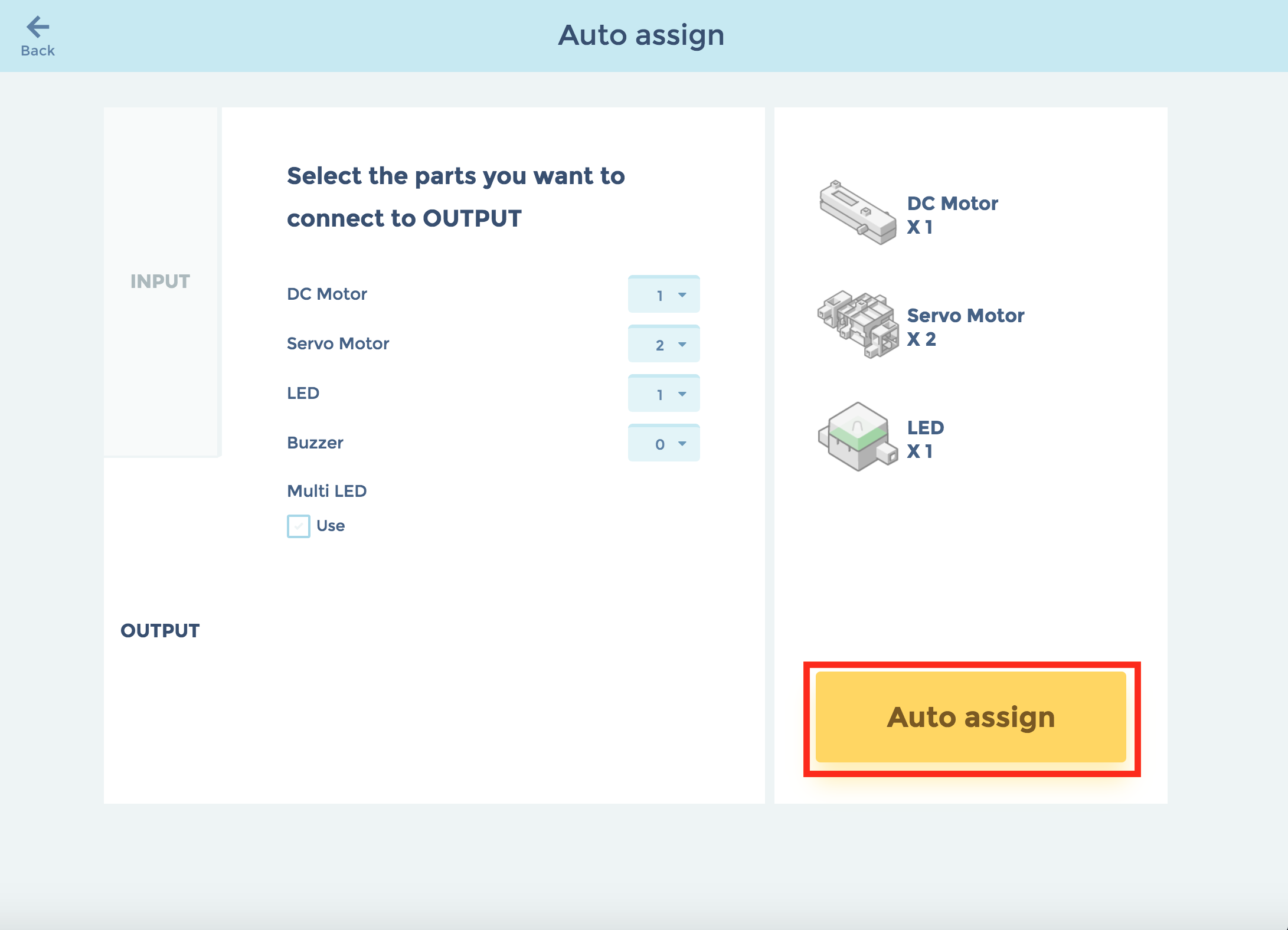
- Select the number of parts you will be using and press "Auto assign".
- Check the ports that have been assigned and press "Update".